The first painting can start with one picture and one color. Sit beside your child, open Stillumi, and let them make the first choice.
Choose something familiar
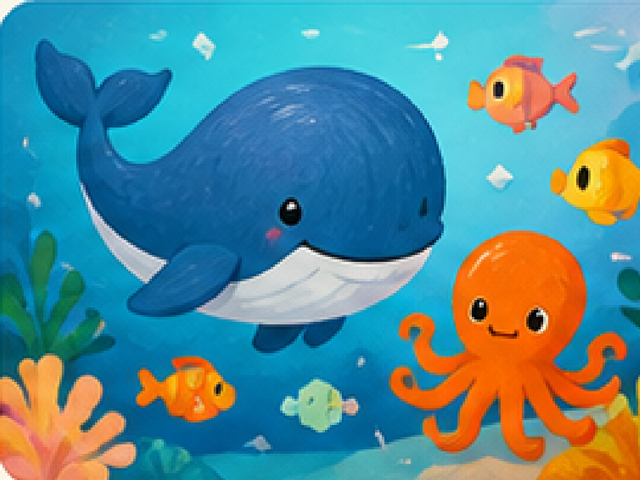
Look through an album together. An animal, a vehicle, or an ocean picture gives you something to talk about before painting begins. Stillumi starts with 40 free pictures across five albums, so there is no need to buy anything to begin.
Ask, “Which picture shall we try?” One small choice is plenty.
Try a tap first
Choose a color and use tap-to-fill. A tap fills a shape, making the connection between the color and the picture easy to see. Let your child repeat it, change colors, or return to the same shape.
There is no right color for a whale. Pink is welcome too.
Make room for strokes
When your child wants to move their finger across the picture, try the stroke painting mode. A stroke stays inside the area where it begins. They can explore brushes, crayons, markers, and pencils without having to keep every movement inside the outline.
Undo and Eraser are there when they want to try another idea. You can introduce them when they are useful, instead of explaining every tool at once.
Leave a little unfinished
A picture does not need to be finished in one sitting. Stillumi keeps painting progress on the device, ready to return to later. The optional session timer is available in parent settings if it suits your routine.
When your child wants to keep a favorite outside the app, follow our guide to saving paintings.
Start small. Let the next color be their idea.